
Home ► Database Converter Software Tutorials ► How to import vcf contacts in your Blackberry Bold 9700 mobile?
How to import vCard(.vcf) contacts in your Blackberry Bold 9700 mobile device?
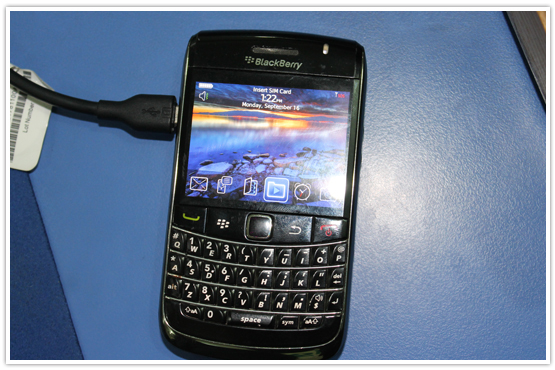
STEP:1
The first step is to connect your "Blackberry Bold 9700 mobile device" with PC
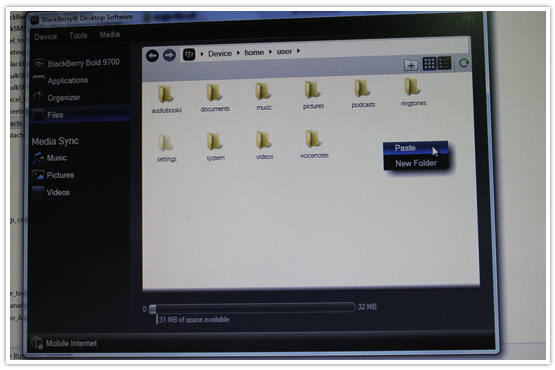
STEP:2
Now import your vCard contacts through your "Blackberry Desktop Manager"
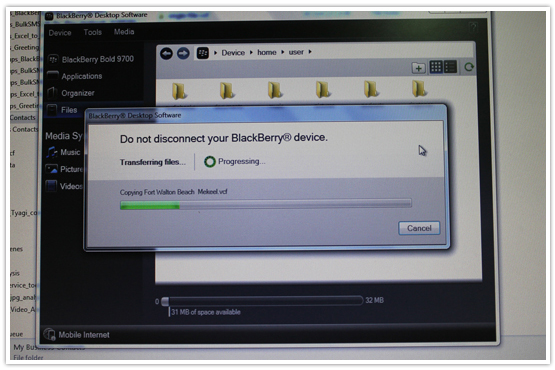
STEP:3
Currently "copying your vcf contacts" in your mobile as shown in below screen
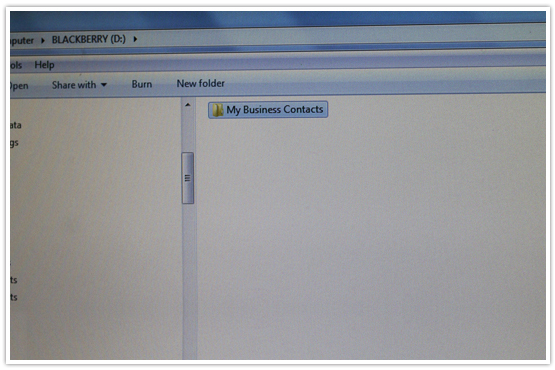
STEP:4
Now you can see "vCard (vcf) contacts folders" in your mobile device.
Related Topics